Get started guide
Sign up and create your API key
Four quick steps to connect a Lovable remix or any other app to fnFlo.
- 1
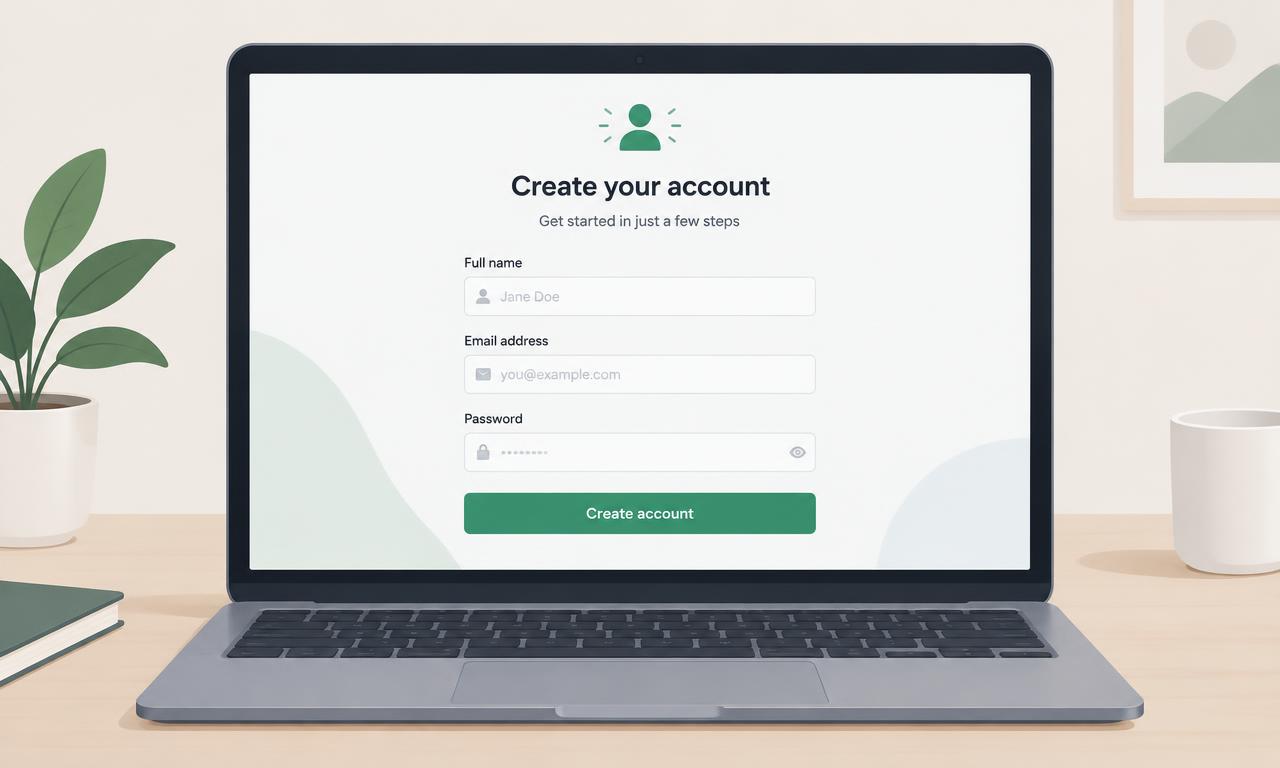
Create your free account
Open the sign-up page, enter your name, email and a password, then click Create account. Confirm your email if asked, and sign in.
- 2
Go to Settings → API Keys
In the left menu open Settings, then choose API Keys. Here you see every key you have made. Saved keys always show as
****for safety.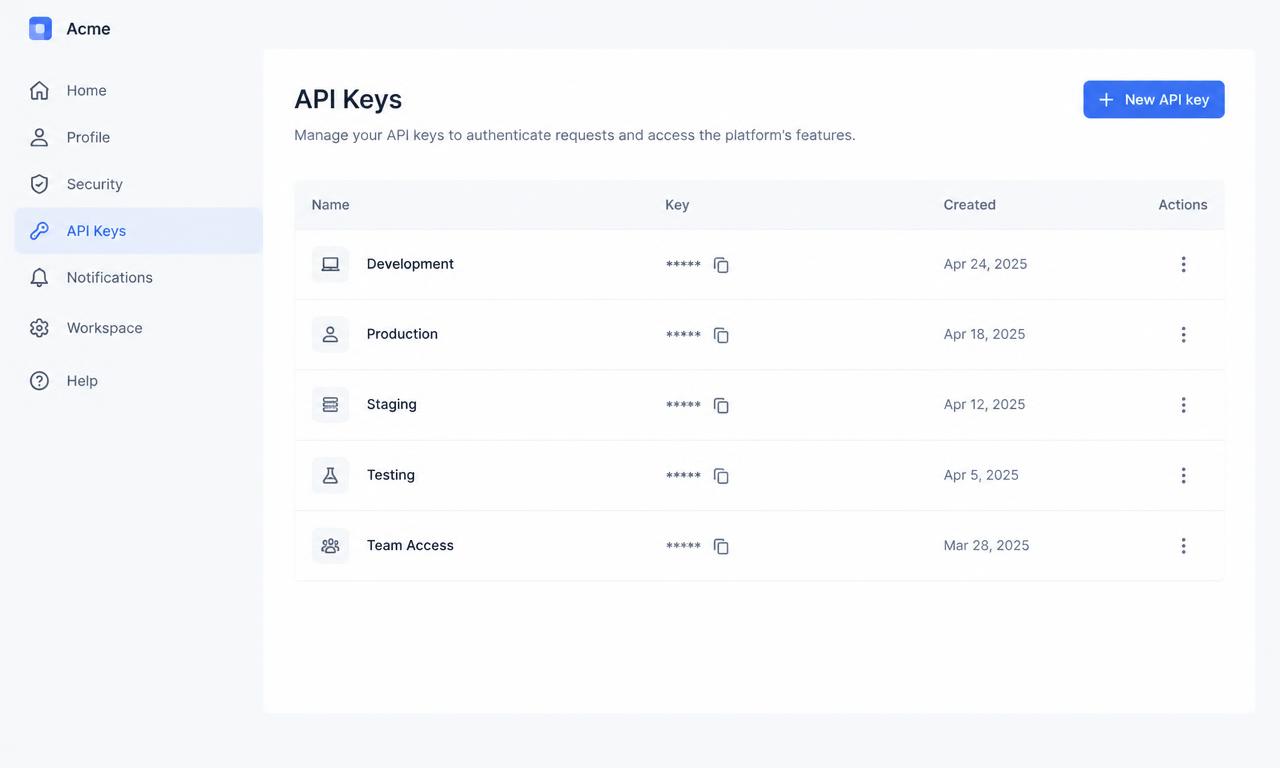
- 3
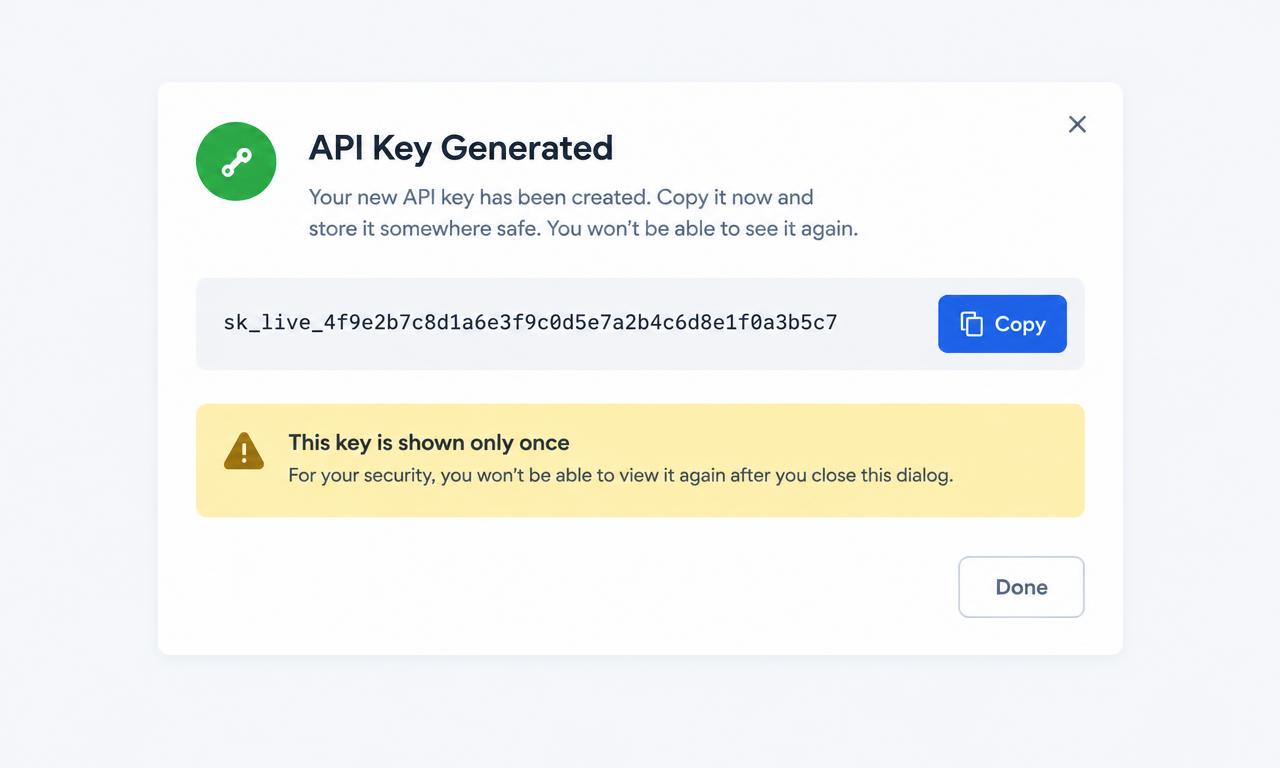
Create a key and copy it right away
Click New API key, give it a name (for example “My Lovable remix”), pick a role such as Integrator, and save. Your key appears only once — press Copy and store it somewhere safe. Lost it? Use Regenerate to get a new one (the old key stops working).
- 4
Paste it into your remix or integration
In your Lovable remix or other app, add the key as a secret (for example
FNFLO_API_KEY) and send it in theAuthorizationheader of each request. Never paste the key into public page code.